Hand an agent a task,not a terminal.
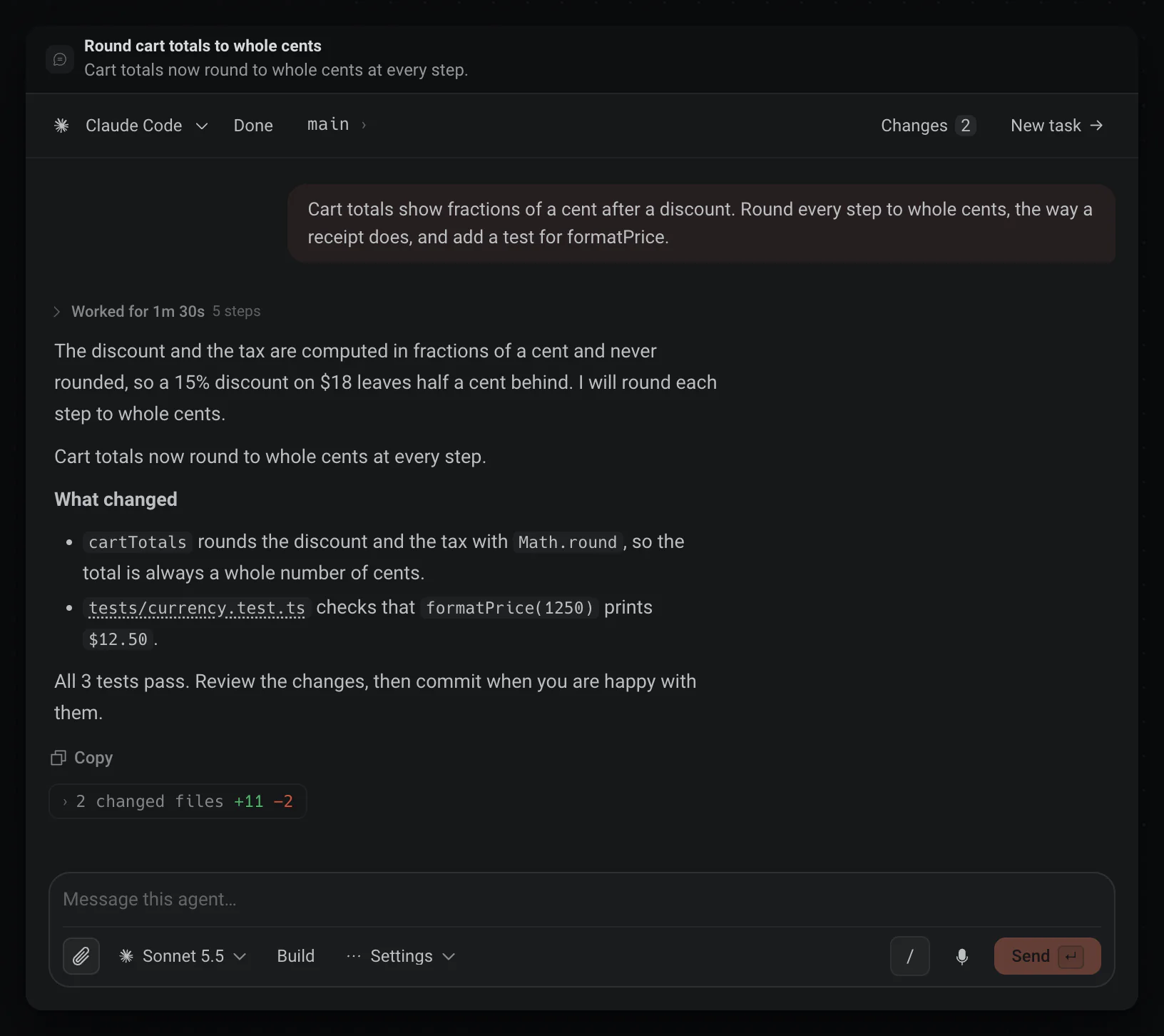
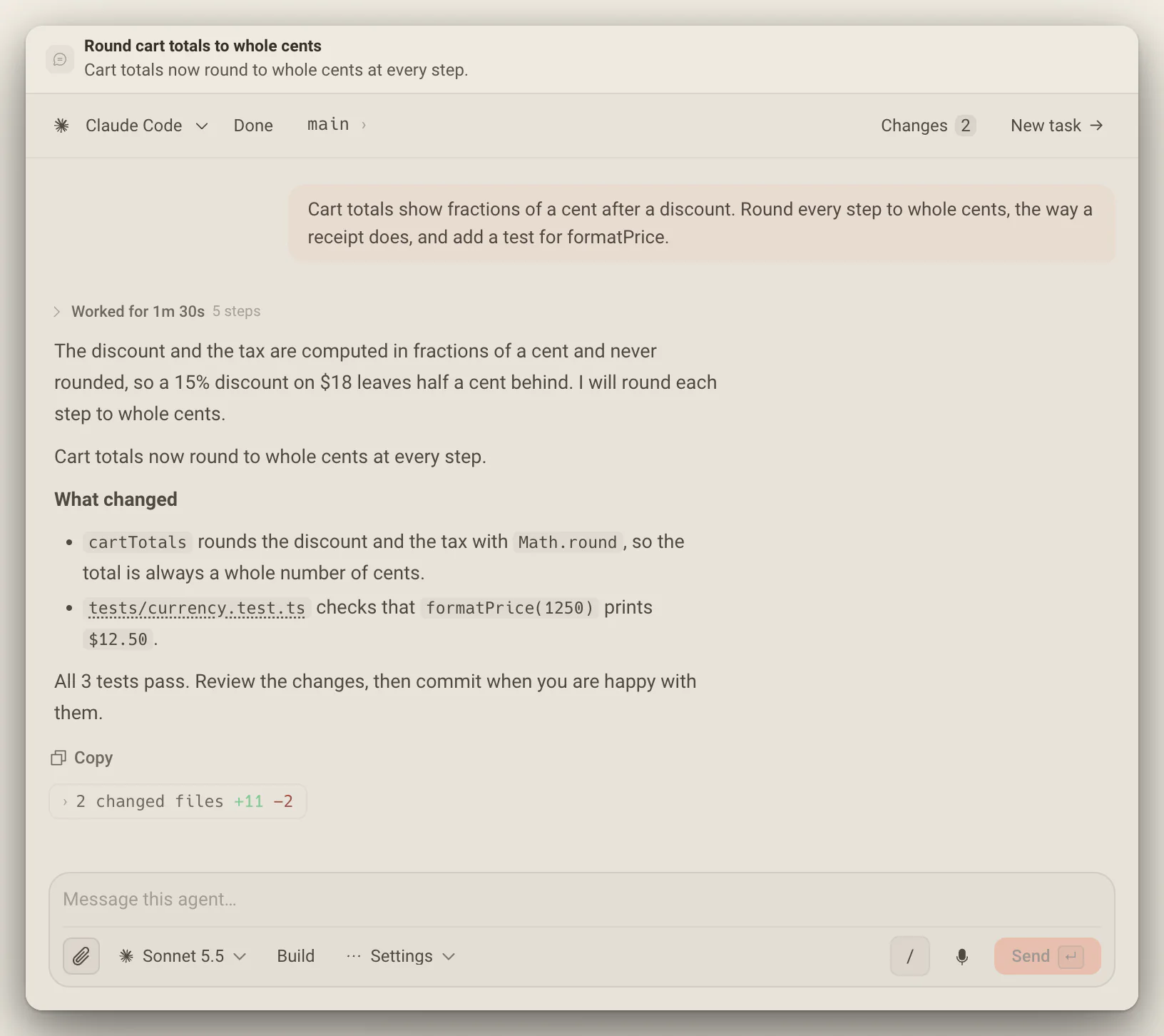
Write what you want, pick the agent, the model and where it runs, then press Start. The work comes back as a conversation you can read: every step as a row, every question as a card.
Read the work,not the scrollback.
When a turn ends, its steps fold into one line that says how long the agent worked, and the answer stays in view with the files it changed. Open the line for every file it read or edited and every command it ran.
- A file and line in a reply opens in the editor at that line; colors carry a swatch and shortcuts show as keys.
- Subagents show their progress above the conversation while they work.
- Older messages load by themselves as you scroll up.
Write it once,send it where it should run.
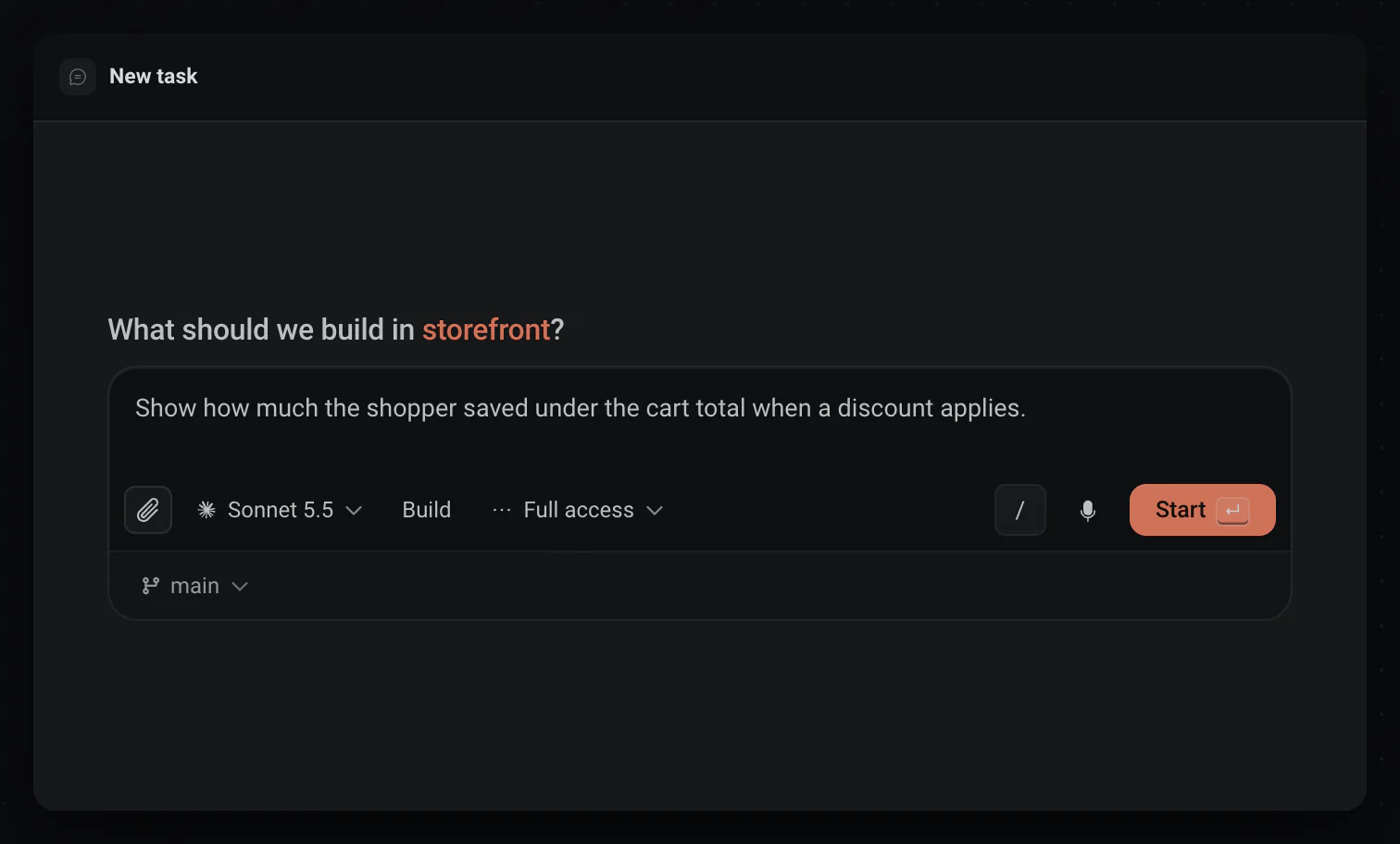
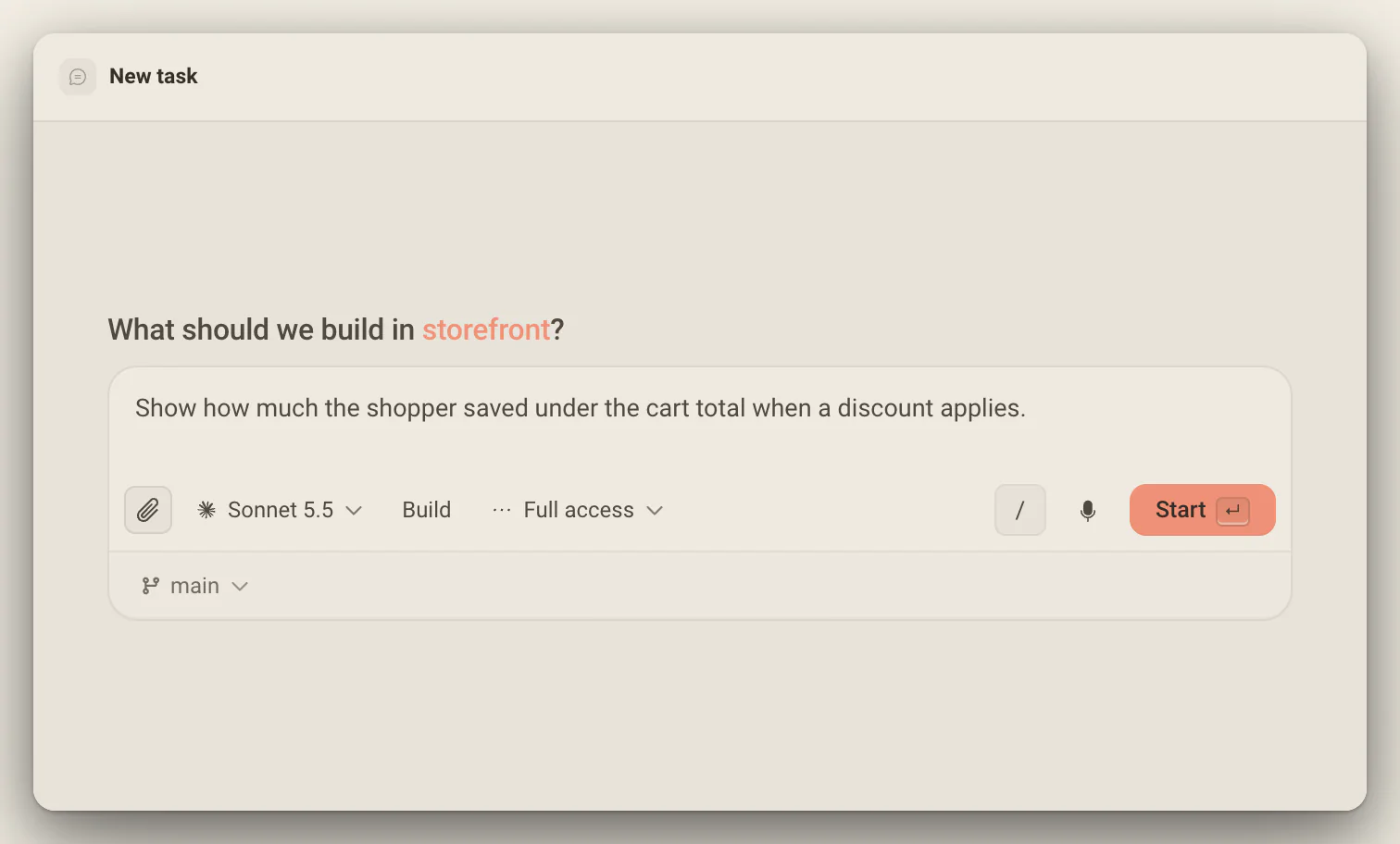
The composer picks the agent and the model, the permissions, and where the work runs: your checkout, a new worktree or one you already have. Attach any file and the agent reads it where it sits.
- The / button lists the agent's commands and your project's skills before anything has run.
- Dictate into it and Stop & send sends your words in one press.
- Cmd/Ctrl + Enter starts the task and opens the next draft beside it.
When it asks,you answer in one click.
An agent that needs a decision stops and asks with a card. Number keys pick an option, or you type your own answer in the composer, and a question with several steps keeps your earlier picks.
- Pending cards stack oldest first, so the front card is the next one to answer.
- Approvals have their own card: Enter allows, S allows for the session, D declines.
- The phone shows the same cards on Deska Pro.
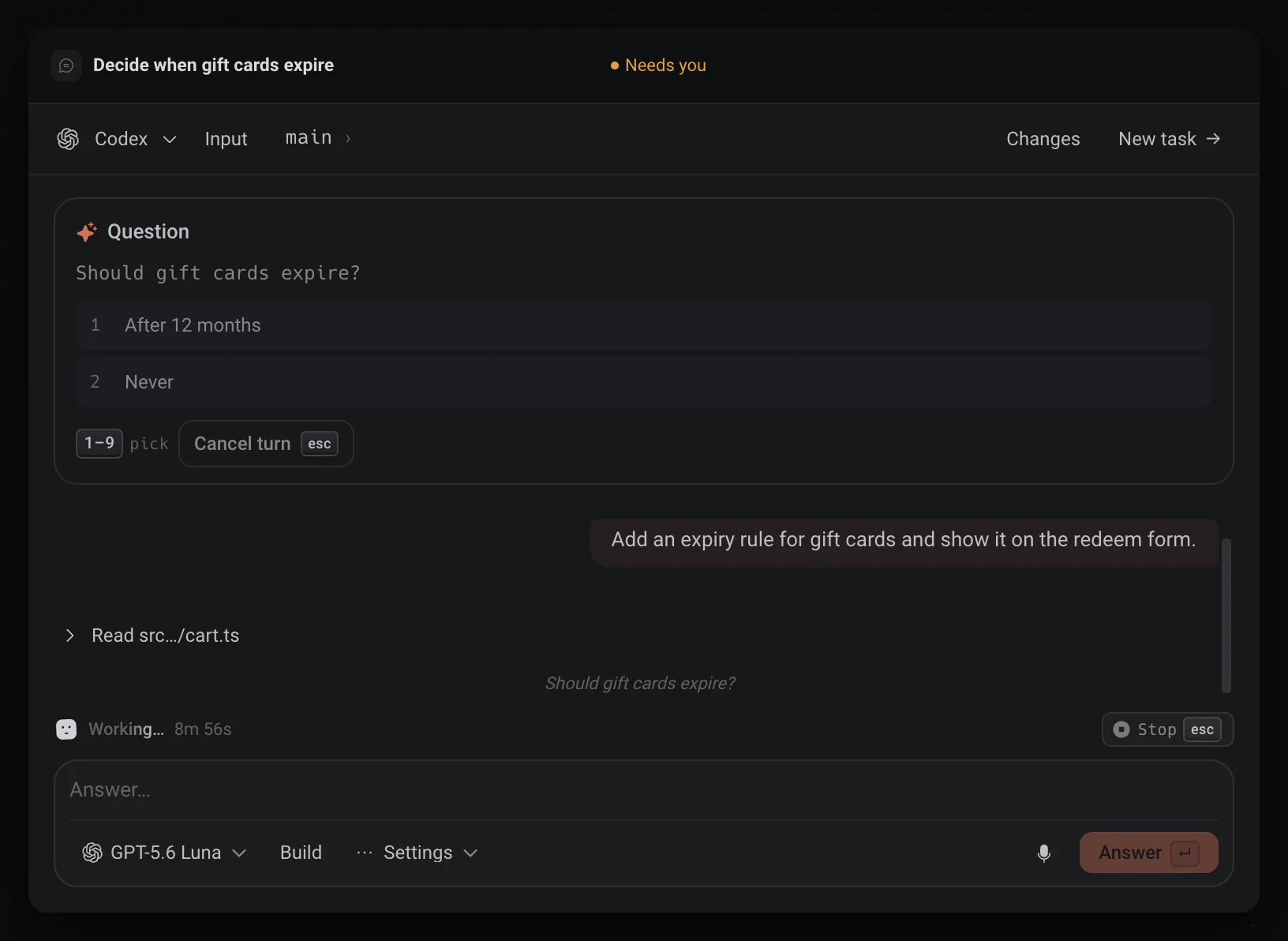
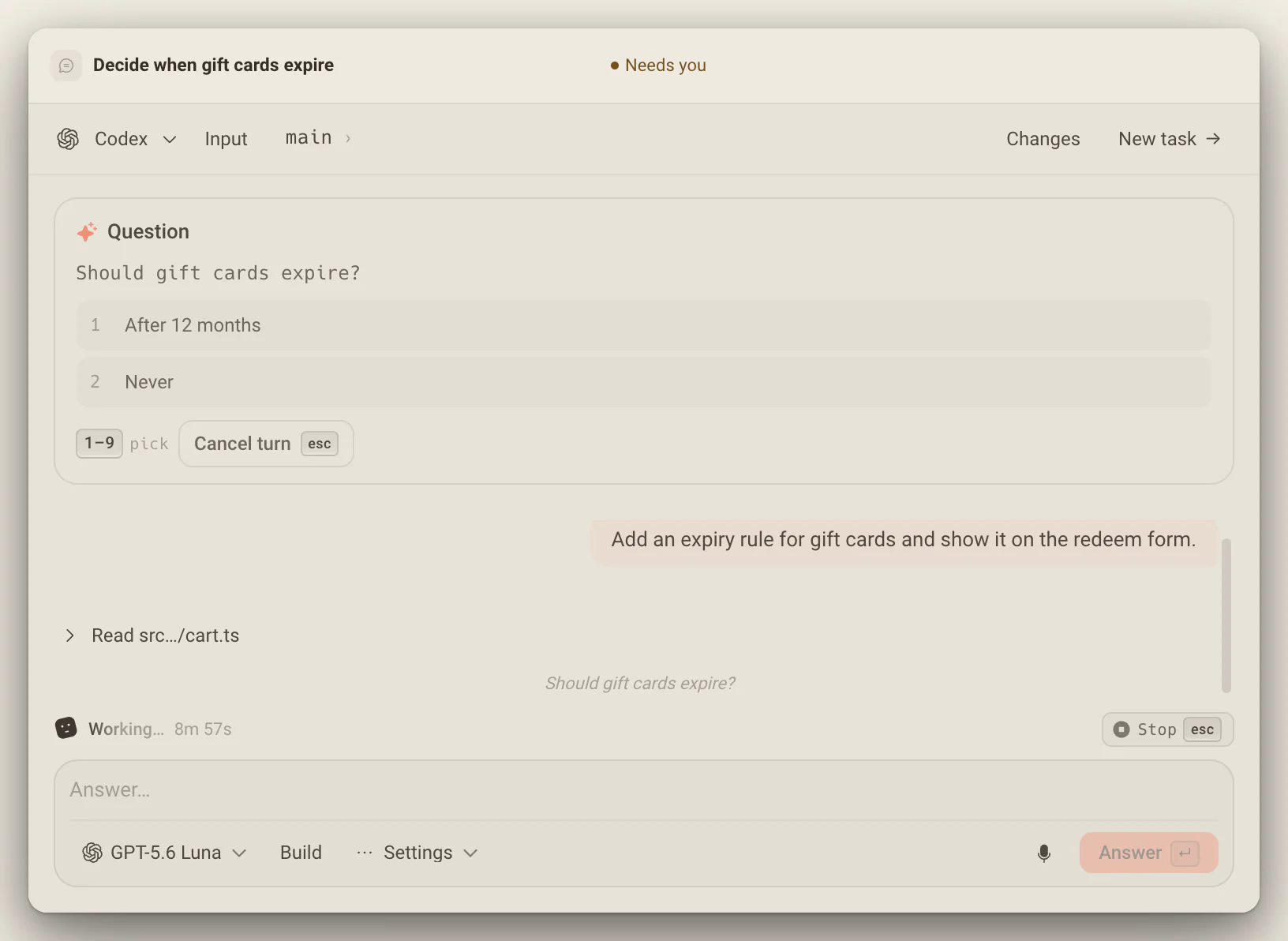
Four ways to steer a running task
The composer stays live while the agent works.
- Queue it
- Enter adds your message to Up next, the next turn. Drag to reorder, edit it, or send it now.
- Steer now
- Interrupts the running turn to redirect it with your message. Agents that cannot be steered queue it instead.
- Plan first
- Shift + Tab makes the next turn read-only research that ends in a Proposed plan card.
- Stop
- Stop, or hold Esc until its ring fills. Send a new message later and the task carries on.
Copy the answer, not the noise.
Every finished turn ends with Copy: everything the agent wrote in that turn, in order and as markdown, without the tool log, ready for another agent, a note or an issue.
Several drafts at once
Every New task opens its own composer, so tasks you are still writing keep their words. Nothing is created until a message goes out.
Talk to it while it works
Enter queues your next message under Up next. Steer now redirects the turn that is running, and agents that cannot be steered say so and queue it instead.
It picks up where it stopped
A stopped task continues when you send it a new message, and after a restart the next message reopens the same conversation with its context.
Worth knowing
- New task
- Cmd/Ctrl + I
- Start and open the next draft
- Cmd/Ctrl + Enter
- Commands and skills
- The / button beside the microphone
- Plan the next turn
- Shift + Tab
- Stop a turn
- Stop, or hold Esc
- Attach
- Any file, read in place on this computer
- Pasted files
- Up to 10 MB
- Runs on
- Claude Code, Codex, OpenCode, Cursor, and Antigravity
About tasks
One canvas for everything you build.Free to start.
The complete workspace on one computer, with 10 dictation minutes a month.