The editor that knowswhat your agents touched.
Monaco, the editor behind VS Code, beside the terminal and the agent doing the work. Search the whole project or only the files an agent changed, read Markdown the way GitHub shows it, and open pictures, video and PDFs in a tab.
Search the project,or only what an agent changed.
Cmd/Ctrl + Shift + F searches every file, with match case, whole word and regular expressions. One chip narrows it to the files an agent thread edited, and Ask Dex about these hands the list to Dex with the editor attached.
- Changed files and Open tabs narrow it the same way.
- Find and replace shows every change before it is made.
- F4 steps through the matches without leaving the file.
Monaco, besidethe work it belongs to.
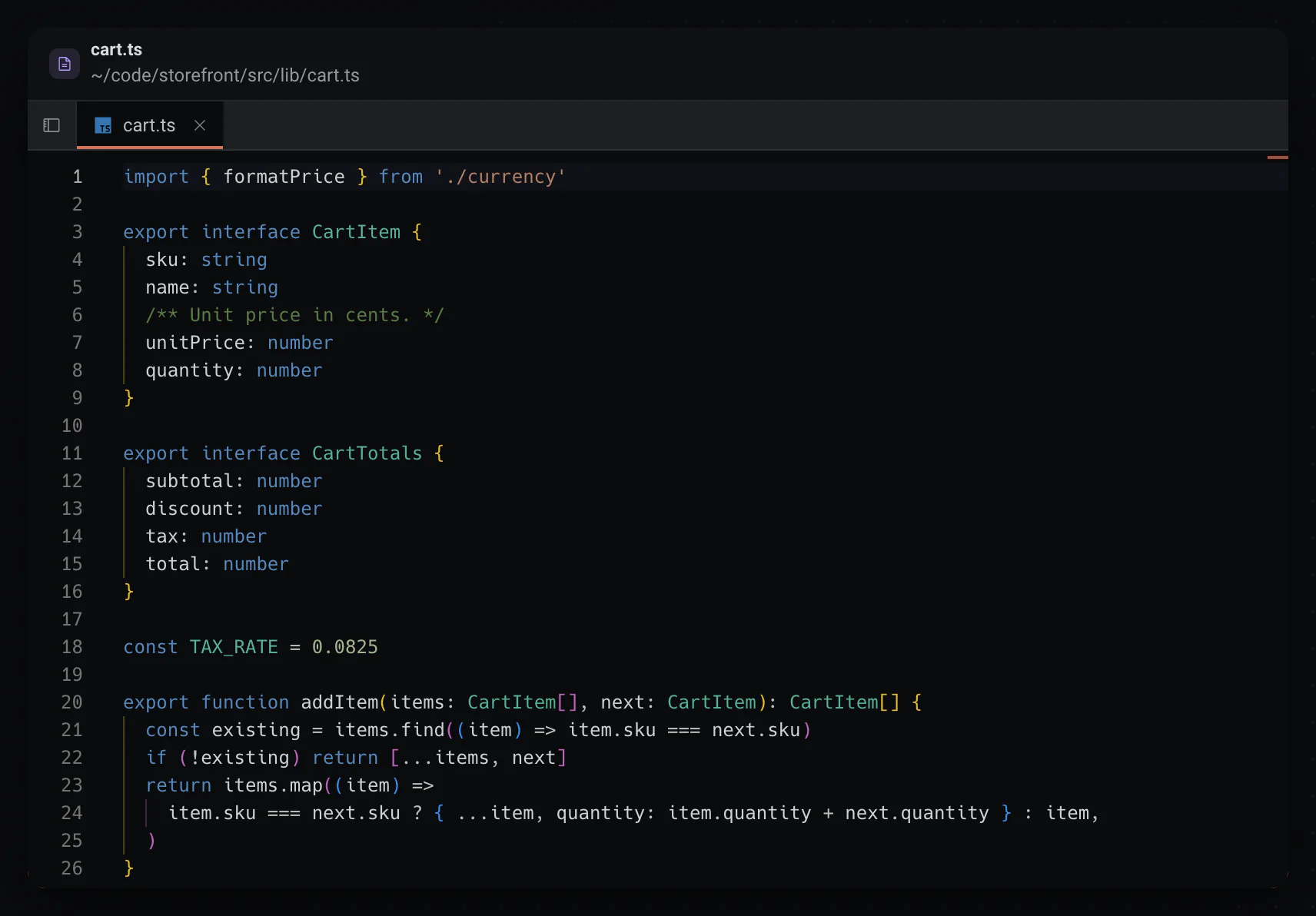
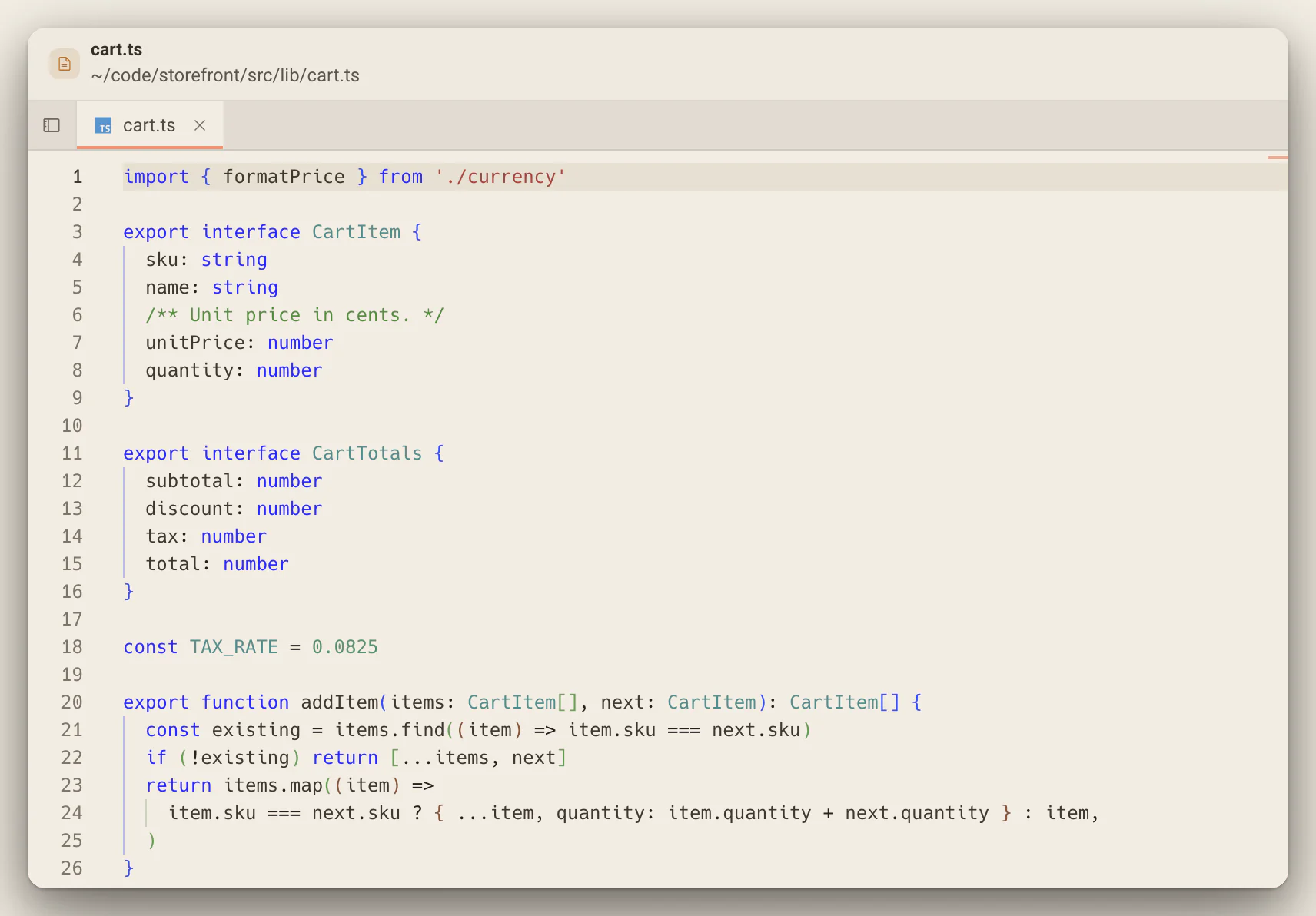
The editor behind VS Code, with a file tree and tabs, on the same canvas as the terminal running the build and the agent changing the code. A single click previews a file, a double click pins it, and each save tidies the file as it lands.
- Unsaved tabs show a dot.
- Format on save is on by default; Settings, Editor turns it off.
- Cmd/Ctrl + P opens a file by name.
Markdown, readthe way GitHub shows it.
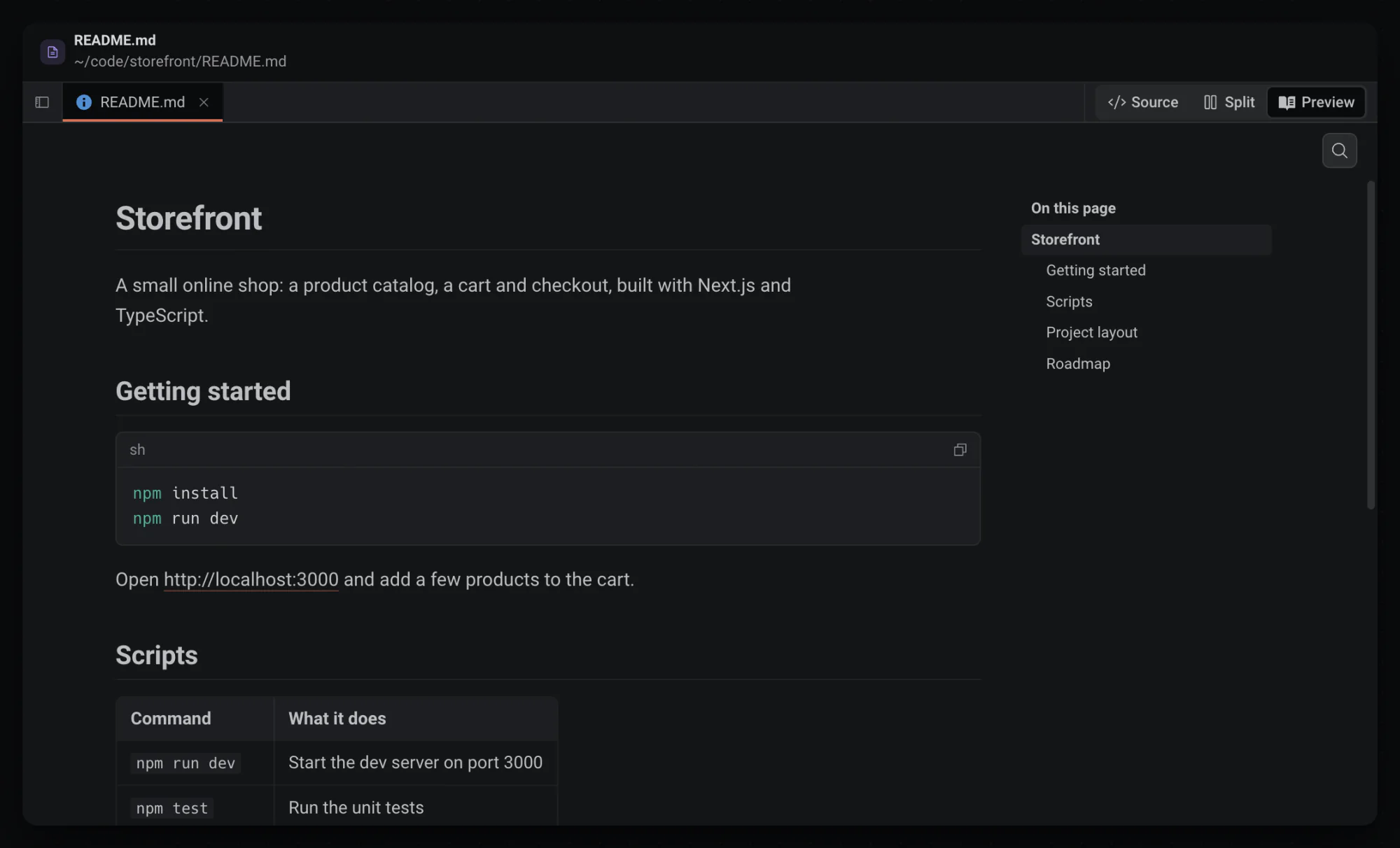
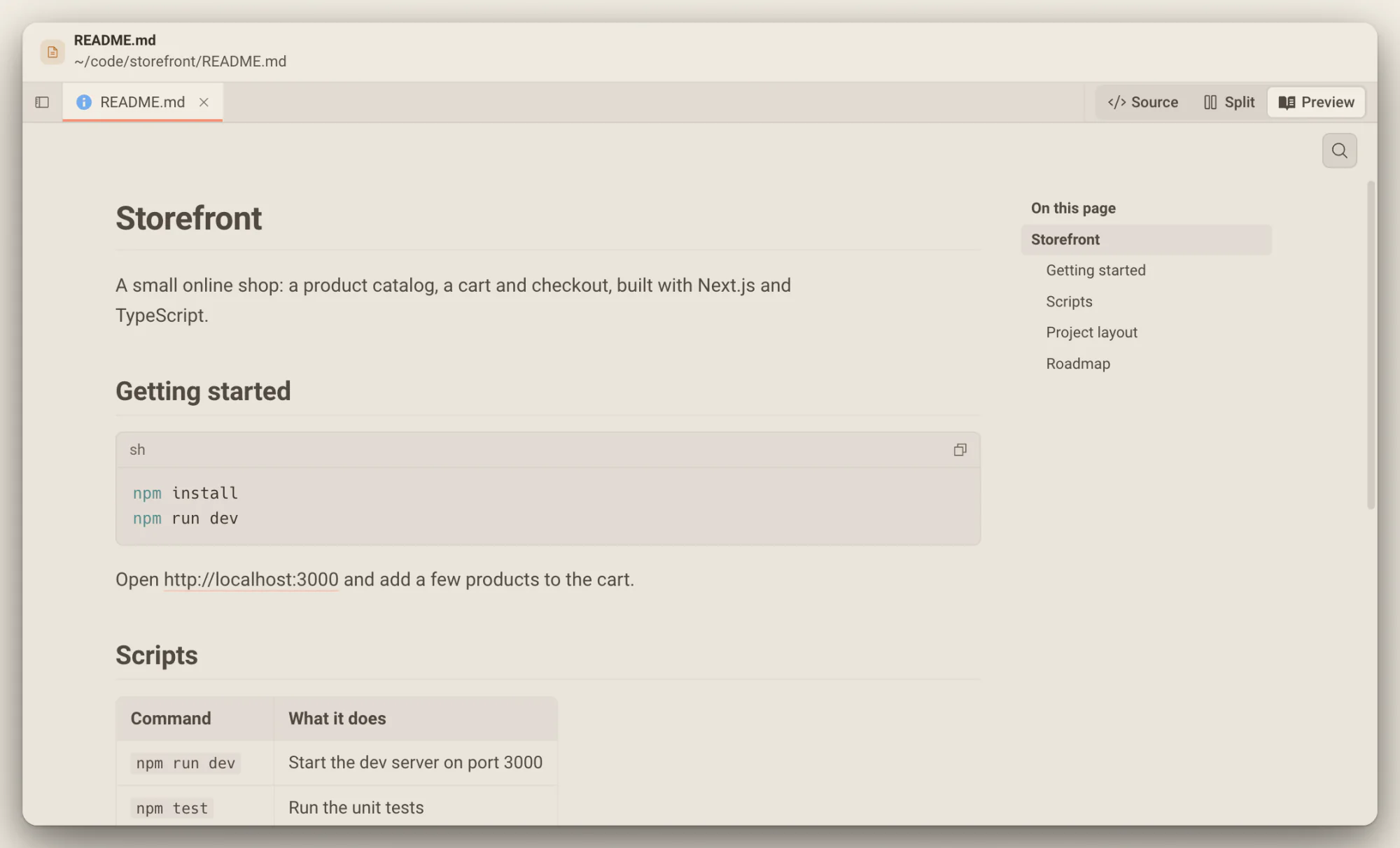
A README opens as a page: tables, colored code with a Copy button, alerts, mermaid diagrams and the images beside the file, with an outline that follows you. Source, Split and Preview are one click apart, and Cmd/Ctrl + E flips between the page and its source.
- A link to another file opens it as a tab, on the right heading.
- Cmd/Ctrl + F finds words in the page.
- Scripts and styles in the file never run.
Pictures, video and PDFsopen in a tab.
An image fits the panel over a checkerboard, video and audio play with the usual controls, and PDF and Word files get their own viewer. When an agent rewrites a screenshot in your workspace, the tab shows the new one.
- Actual size shows an image pixel for pixel.
- An SVG opens as the picture, with Source one click away.
- Files stream from disk, so a long recording seeks without loading whole.
What opens in the editor
It detects what a file is and shows it the useful way.
- Code
- Monaco, with tabs, a file tree and format on save.
- Markdown
- A rendered page, the source, or both side by side.
- Pictures and media
- Images, video, audio and SVG, previewed in the tab.
- Documents
- PDF and Word files, in their own viewer.
- Everything else
- Archives, fonts and databases say what they are instead of showing noise.
Every file, readable where the work is.
Read the code an agent wrote, the README it updated and the screenshot it took, in the same place you review and commit them.
Searches only Deska can run
Limit a project search to what git says changed, to the files an agent thread edited, or to the tabs you have open.
Results Dex can act on
Ask Dex about these opens Dex with the result list written out and the editor attached, so you only add what you want done.
Previews that follow the disk
A screenshot in your workspace shows its new version when an agent rewrites it, because previews reload when the file changes.
Worth knowing
- Editor
- Monaco, the editor behind VS Code
- Search the project
- Cmd/Ctrl + Shift + F
- Case, word, regex
- Cmd/Ctrl + Alt + C, W and R
- Next or previous match
- F4 and Shift + F4
- Save
- Cmd/Ctrl + S, with format on save on by default
- Markdown views
- Source, Split and Preview; Cmd/Ctrl + E flips
- Open a file by name
- Cmd/Ctrl + P
- Previews
- Images, video, audio, SVG, PDF and Word, up to 2 GB
About the code editor
One canvas for everything you build.Free to start.
The complete workspace on one computer, with 10 dictation minutes a month.