Make the desklook like yours.
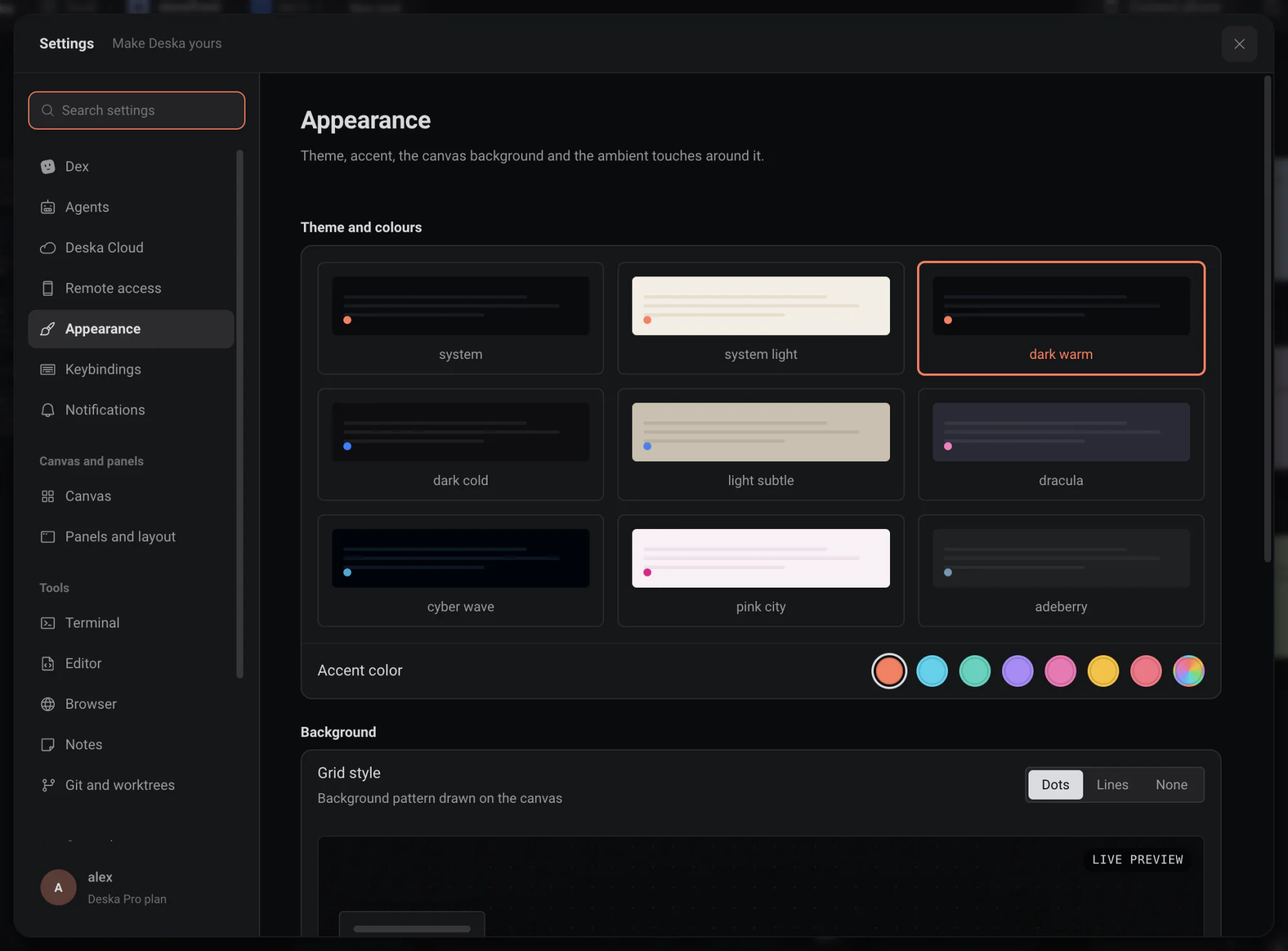
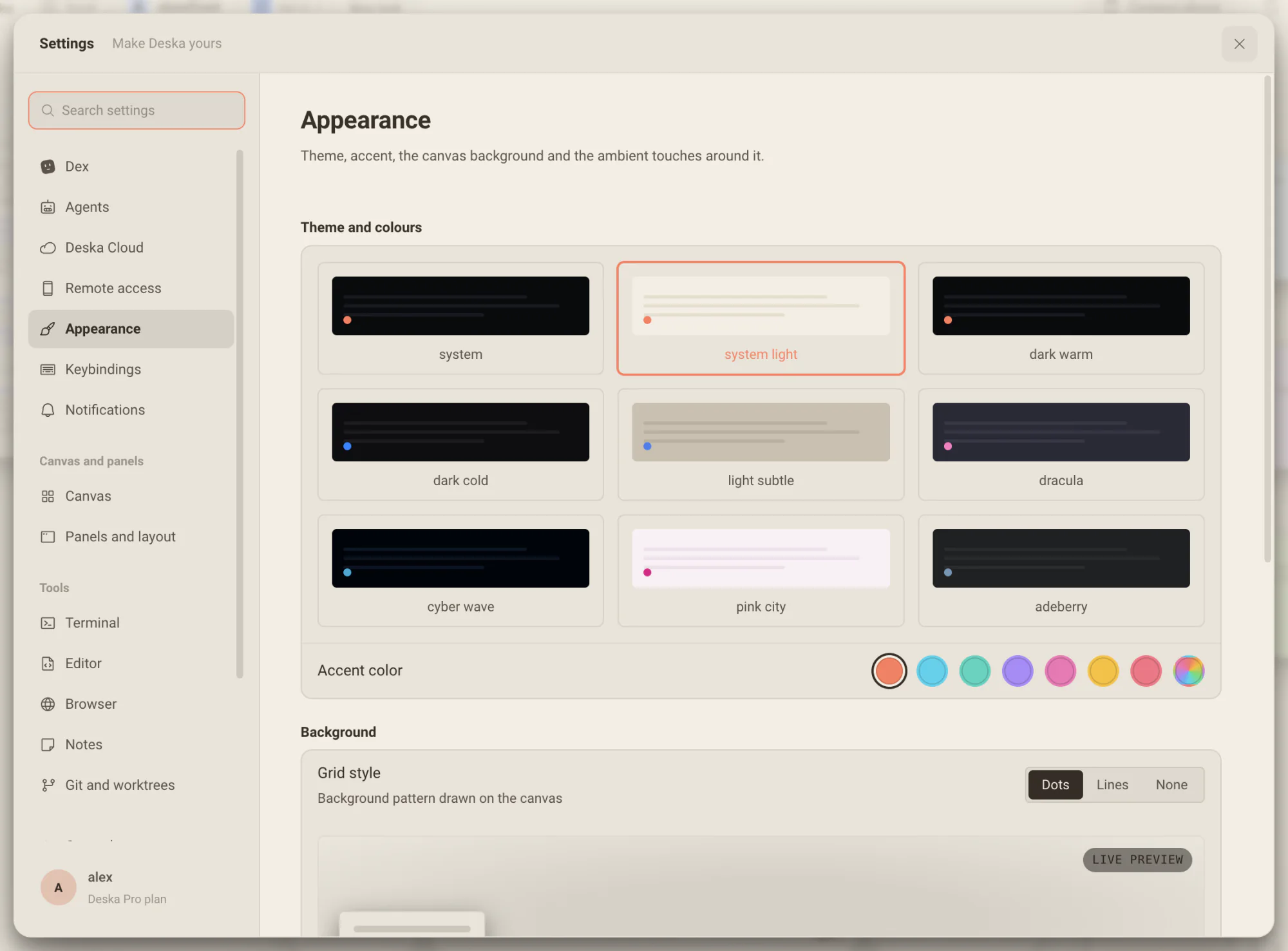
Nine themes, an accent of your own, fifty wallpapers or your own image, GIF or video, and a color on any window so a busy desk is easy to read. Right-click the canvas and watch it change as you pick.
Change the lookand watch the desk follow.
Right-click an empty spot of the canvas and choose Change look. The popover holds the theme, the accent and the background, and every pick lands on the desk behind it while you are still choosing.
- Typing theme in the Command Palette opens it too.
- Seven wallpapers wait in the popover, and all fifty are in Settings.
- Switching themes changes every color at once, without a smeared fade.
A color for every windowyou need to find again.
Click the circle left of + in a window’s header and pick one of six colors. The header takes a wash of it and the window an outline, focused or not, so the blue terminal is the blue terminal from across the desk.
- Alt + 1 to Alt + 6 pick a color, Alt + 0 clears it.
- Colors are saved with the project.
- Ask Dex for the blue terminal and he knows which one.
Everything else,one page in Settings.
Settings, Appearance leads with the same three choices, then the fine tuning: your own image, GIF or video as the background with its fit, opacity, blur and dim, and under More options the canvas effects and the grid.
- Fonts and terminal colors are set per tool, one click away.
- Reduced effects trades glass and blur for opaque surfaces.
- Ambient mode shifts the canvas hue with the time of day.
Four kinds of background
Behind every panel, picked in Change look or in Settings.
- Media
- Fifty built-in wallpapers, or your own image, GIF or video.
- Solid
- One color behind everything.
- Gradient
- A blend of colors, for a quieter desk.
- None
- The theme’s own background.
A desk you want to sit at.
Pick a theme for the hour, a wallpaper for the mood and a color for each window that matters, and get back to work.
Change it where you see it
Change look opens on the canvas itself, so every pick lands on the desk behind the popover while you are still choosing.
Colors that stay legible
Every named accent reads on every theme, and the last swatch opens a color picker for anything else.
A color finds a window
Give a window one of six colors and its header and outline wear it, zoomed in or out. Dex knows them too.
Worth knowing
- Change look
- Right-click empty canvas, or type theme in the palette
- Themes
- Nine, three of them light; System follows your computer
- Accents
- Theme default, cyan, teal, iris, pink, amber, rose or any color
- Backgrounds
- Fifty wallpapers, a solid color, a gradient or your own file
- Your own file
- An image, a GIF or a video, with fit, opacity, blur and dim
- Window colors
- Six, from the circle left of + in a window’s header
- Pick a window color
- Alt + 1 to Alt + 6, Alt + 0 clears
- Grid
- Dots, lines or none
About appearance
One canvas for everything you build.Free to start.
The complete workspace on one computer, with 10 dictation minutes a month.