Your whole workflow, in one workspace.
Keep the editor, real terminals, Git and coding agents beside the project they work on. Your files stay on your computer.
Pick up where the code is.
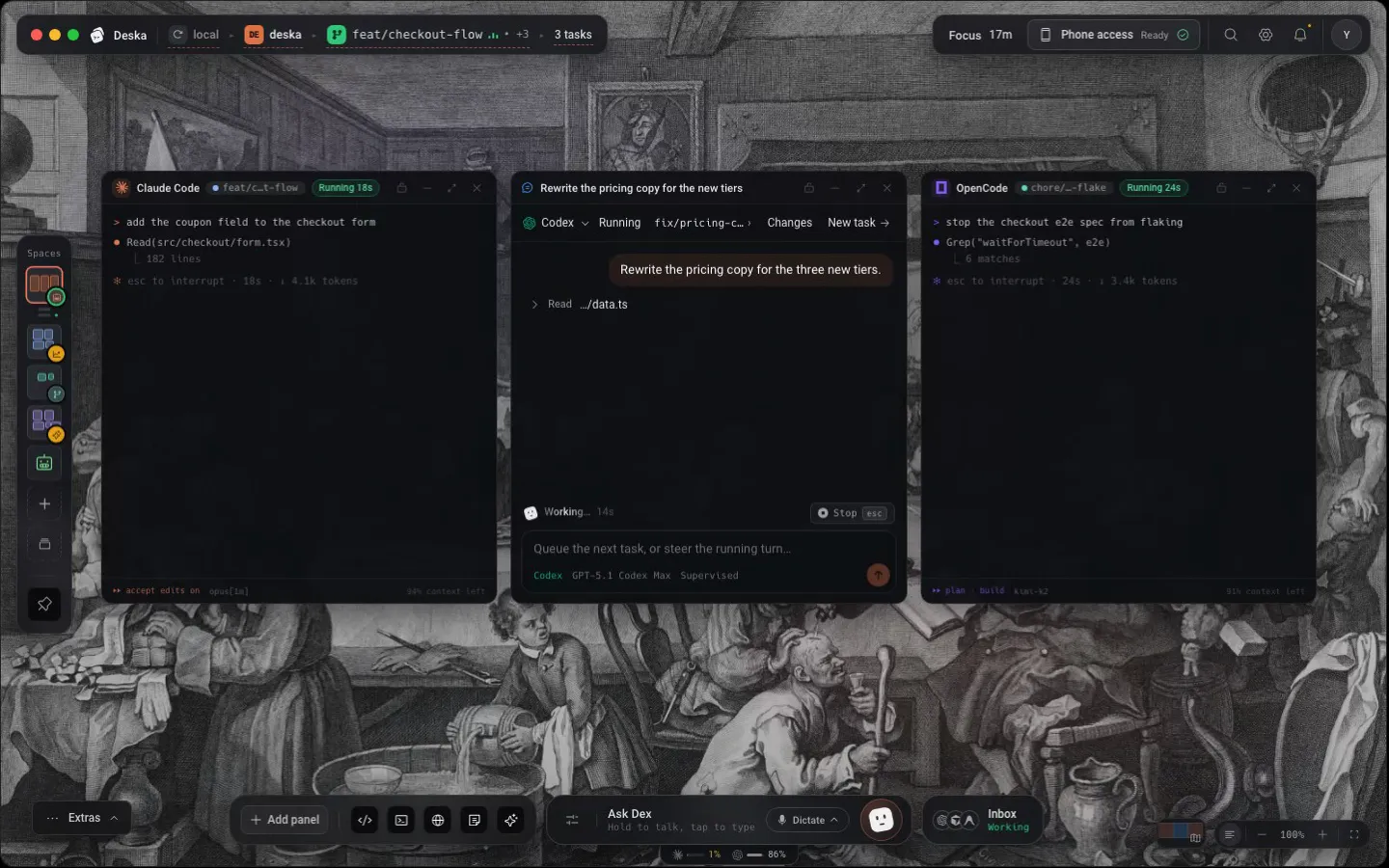
Open a folder and bring its files, terminal, browser and agent together on the canvas. Arrange the workspace around the way you work.
Your terminal stays yours.
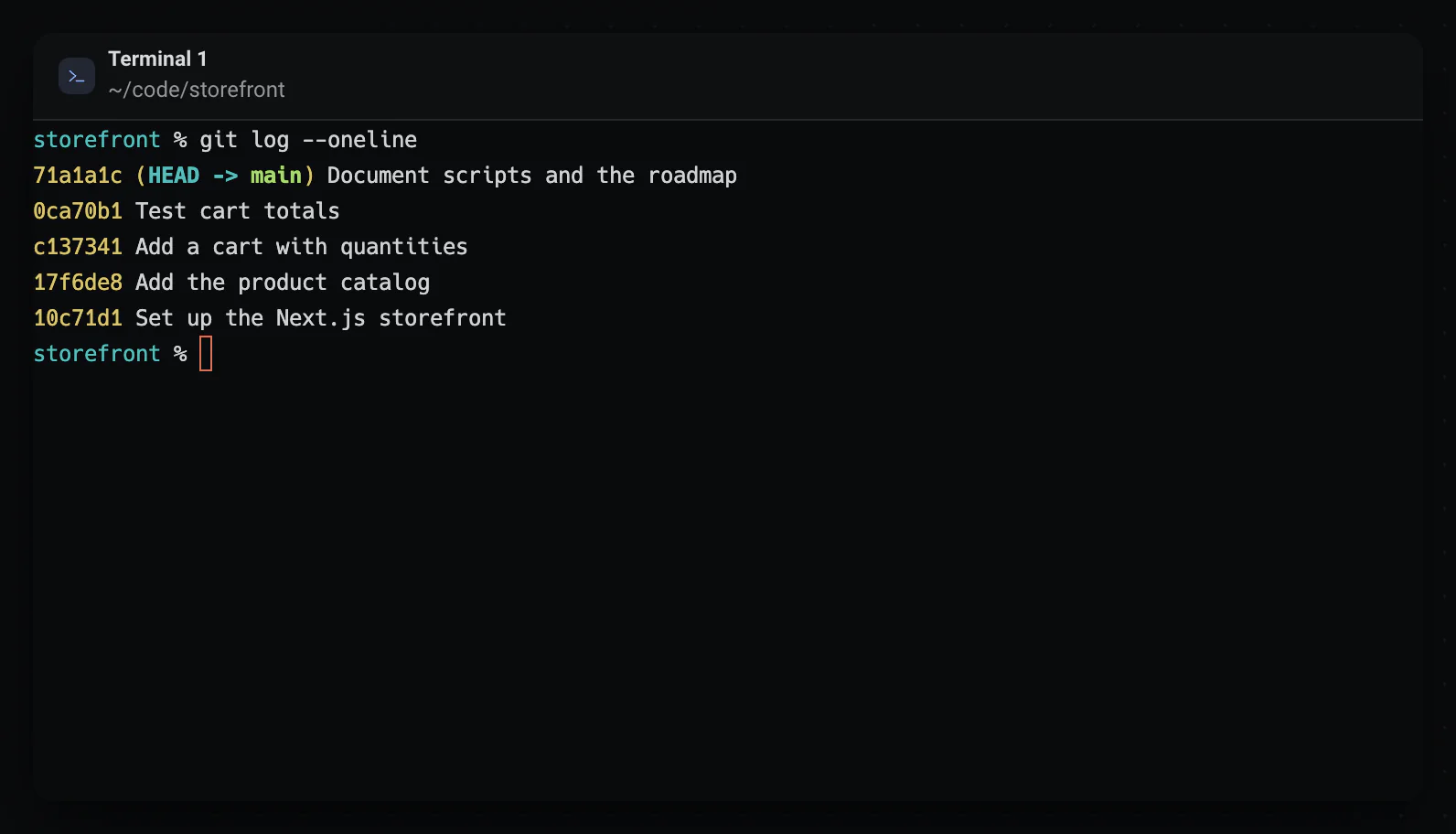
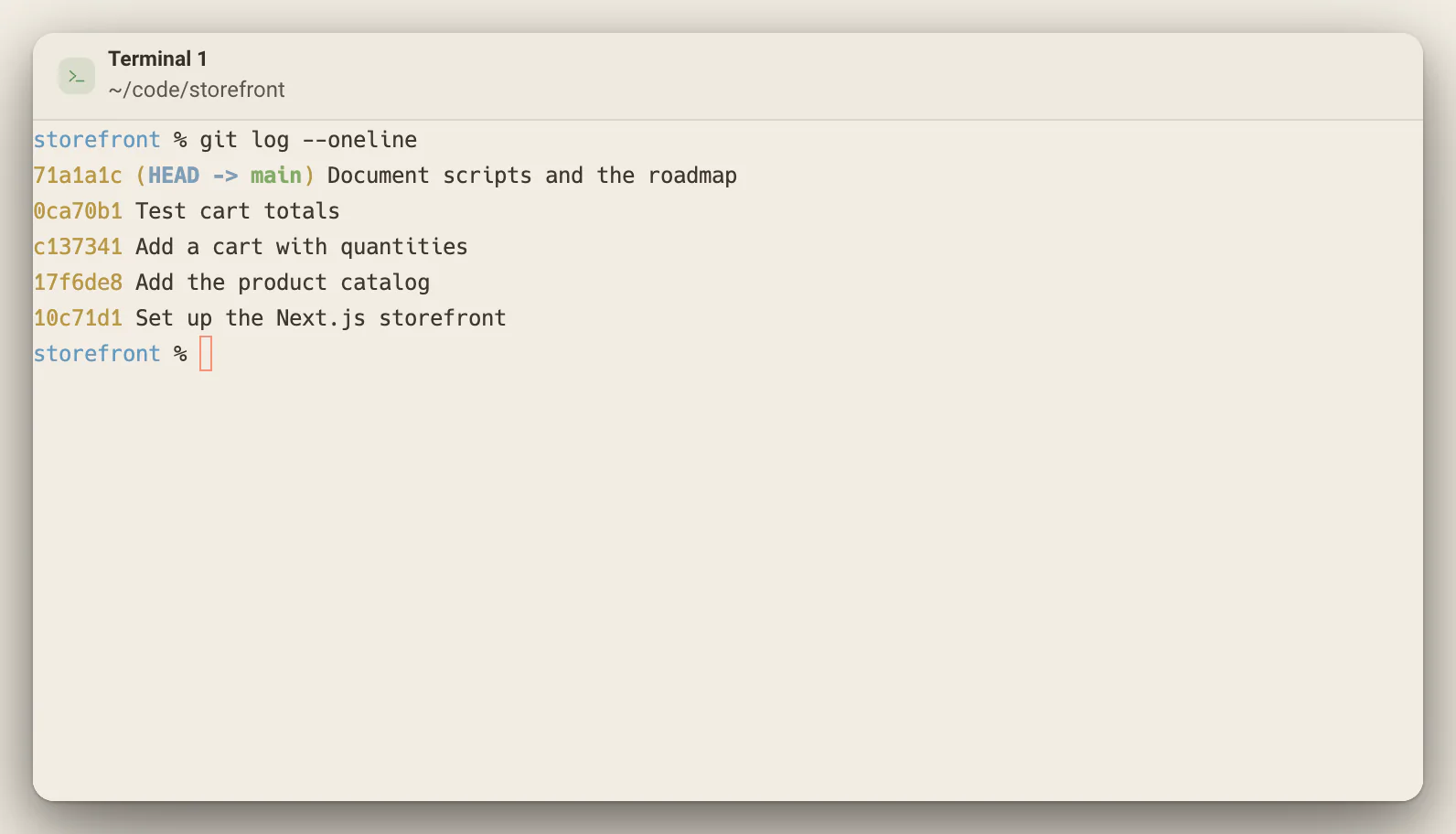
Use your shell, dotfiles, environment and CLI tools in a native terminal. Run builds beside the files and agent sessions they belong to.
- Scrollback is saved with the workspace, and Cmd/Ctrl + F searches it.
- A slim action bar spots links, file paths with a line number and common errors in the output. Alt + Enter takes its suggestion.
- In zsh, Claude Code, Codex, Gemini CLI and other agent CLIs pick up the same conversation when you reopen the workspace.
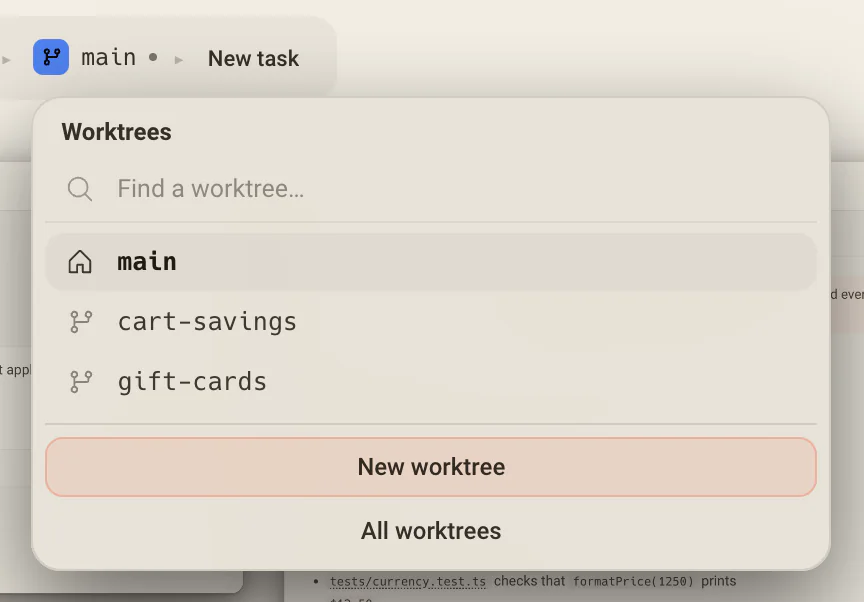
Parallel changes, separate worktrees.
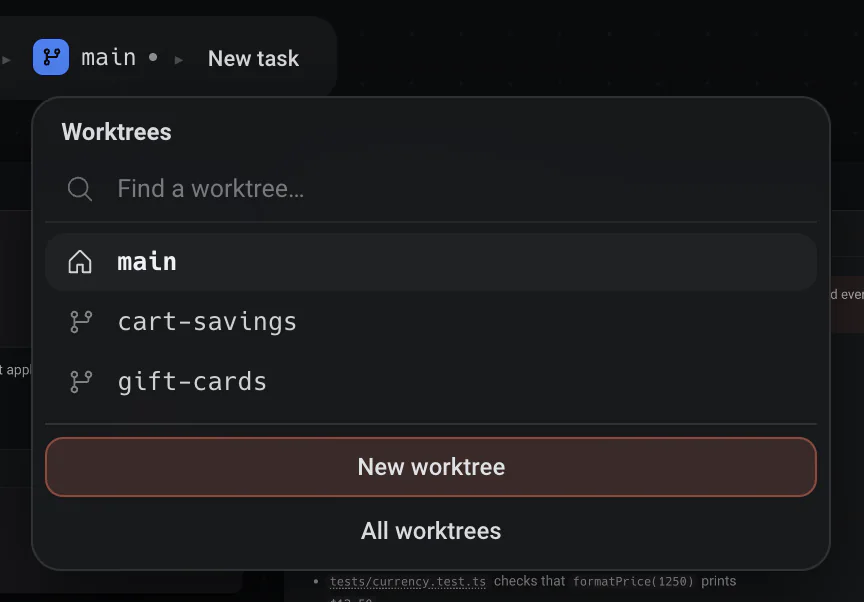
Give each agent its own worktree so parallel tasks do not collide. Review the diff in context and keep your project history close.
- Each worktree has its own canvas. Switch worktrees and the whole layout switches with you.
- New worktrees live under ~/deska/workspaces/<project>/<branch>, so a terminal can always reach them and your project folder stays clean.
- The Commit button chains Commit, Push and Pull request in one run, and Source Control shows what is still waiting to push or pull.
The editor is part of the workspace.
Read and change project files beside the terminal and agent doing the work. Keep your existing editor open too, if that is how you prefer to code.
- Monaco, the editor behind VS Code, with a file tree and tabs.
- Cmd/Ctrl + Shift + F searches the whole project, and can narrow to the files git says changed or the files an agent touched.
- Markdown opens as a rendered page, with Source, Split and Preview one click apart.
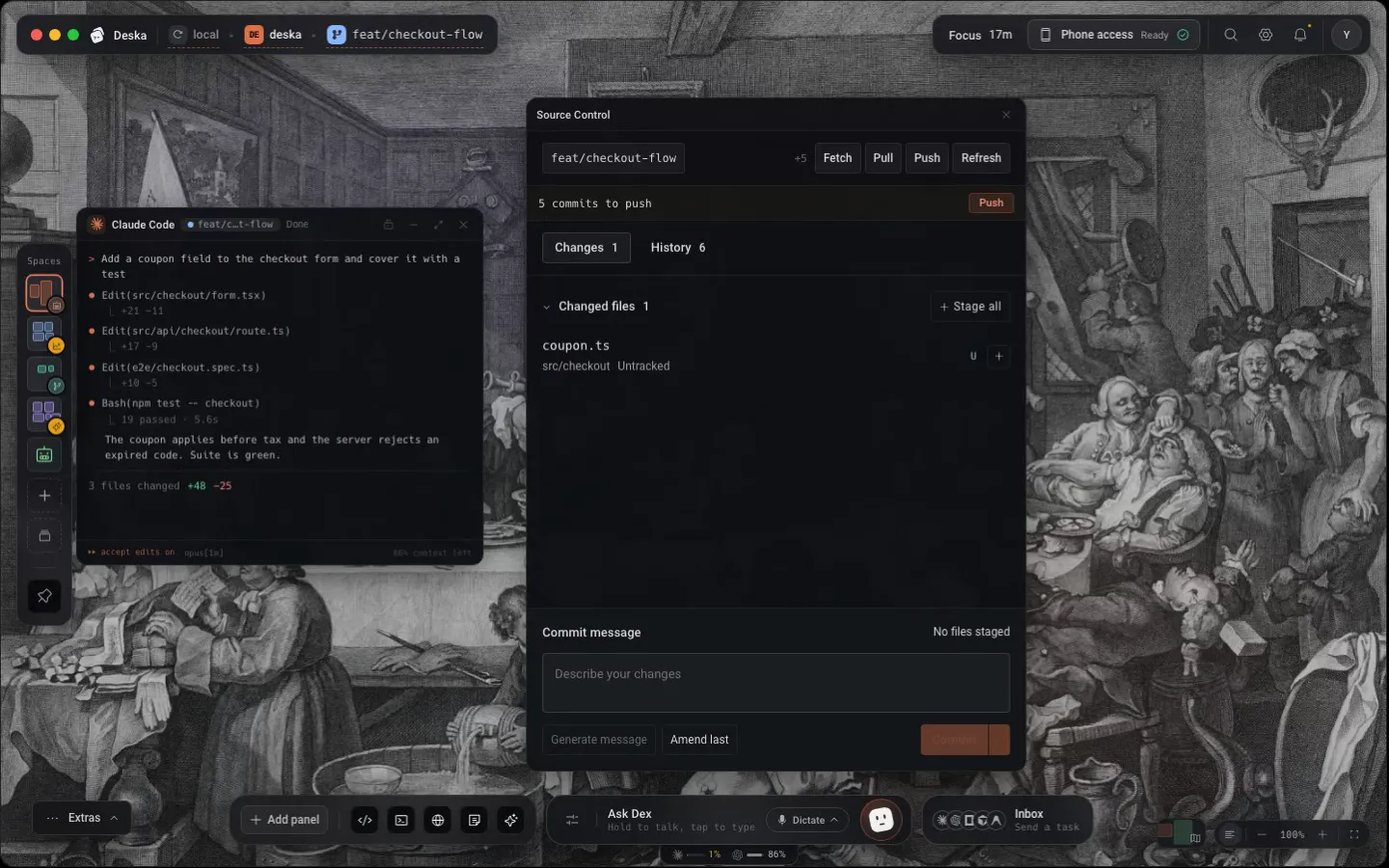
Your repository stays on your machine. Deska brings the tools around it together.
One canvas for everything you build.Free to start.
The complete workspace on one computer, with 10 dictation minutes a month.
Also in any browser at app.deska.deviOS and Android soon