Decide how mucheach agent can do.
Choose a mode for every task, from asking before risky steps to full access, and answer what an agent asks with one key or one tap. Move the line whenever you want, even halfway through a task.
The agent asks.One key answers.
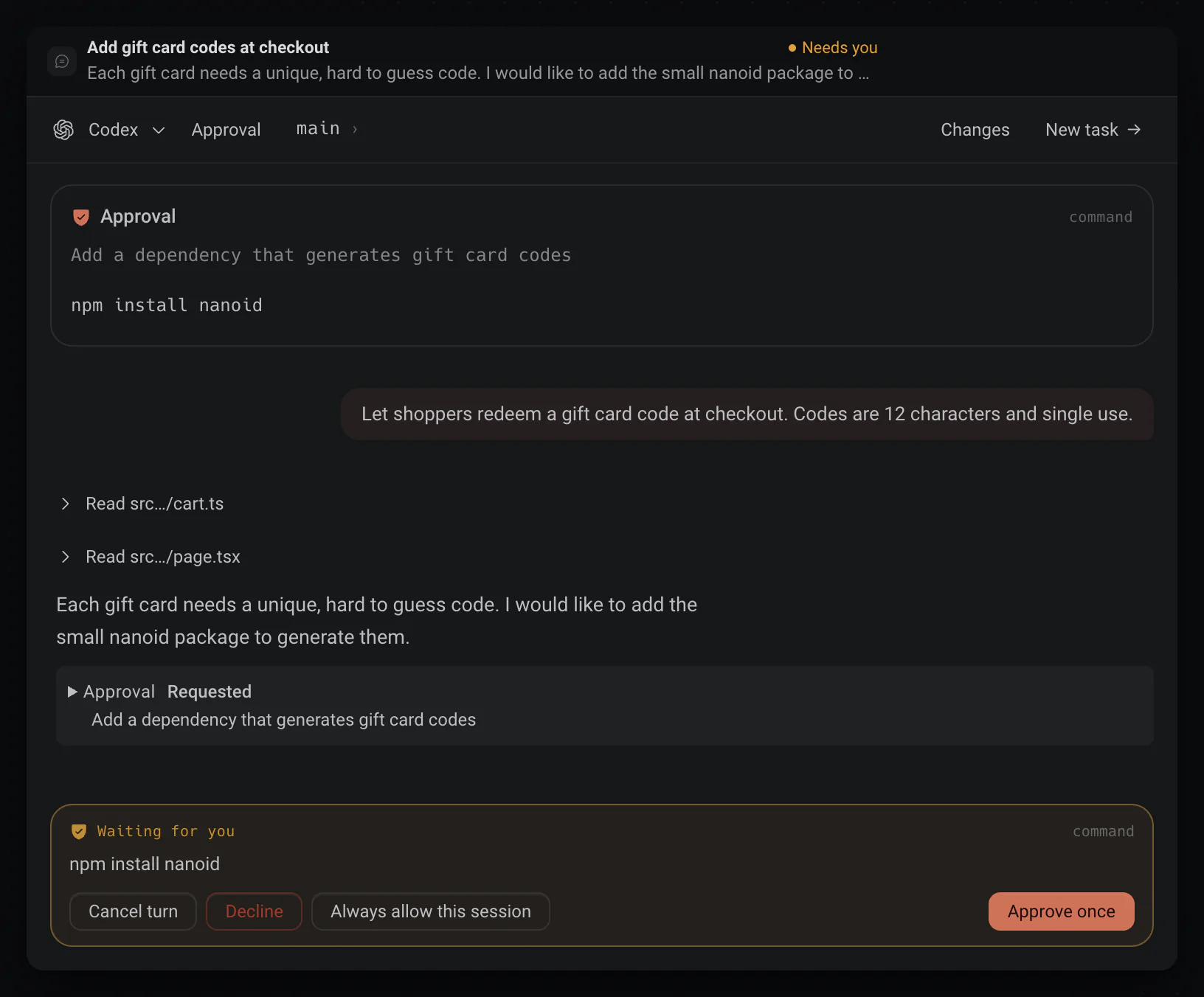
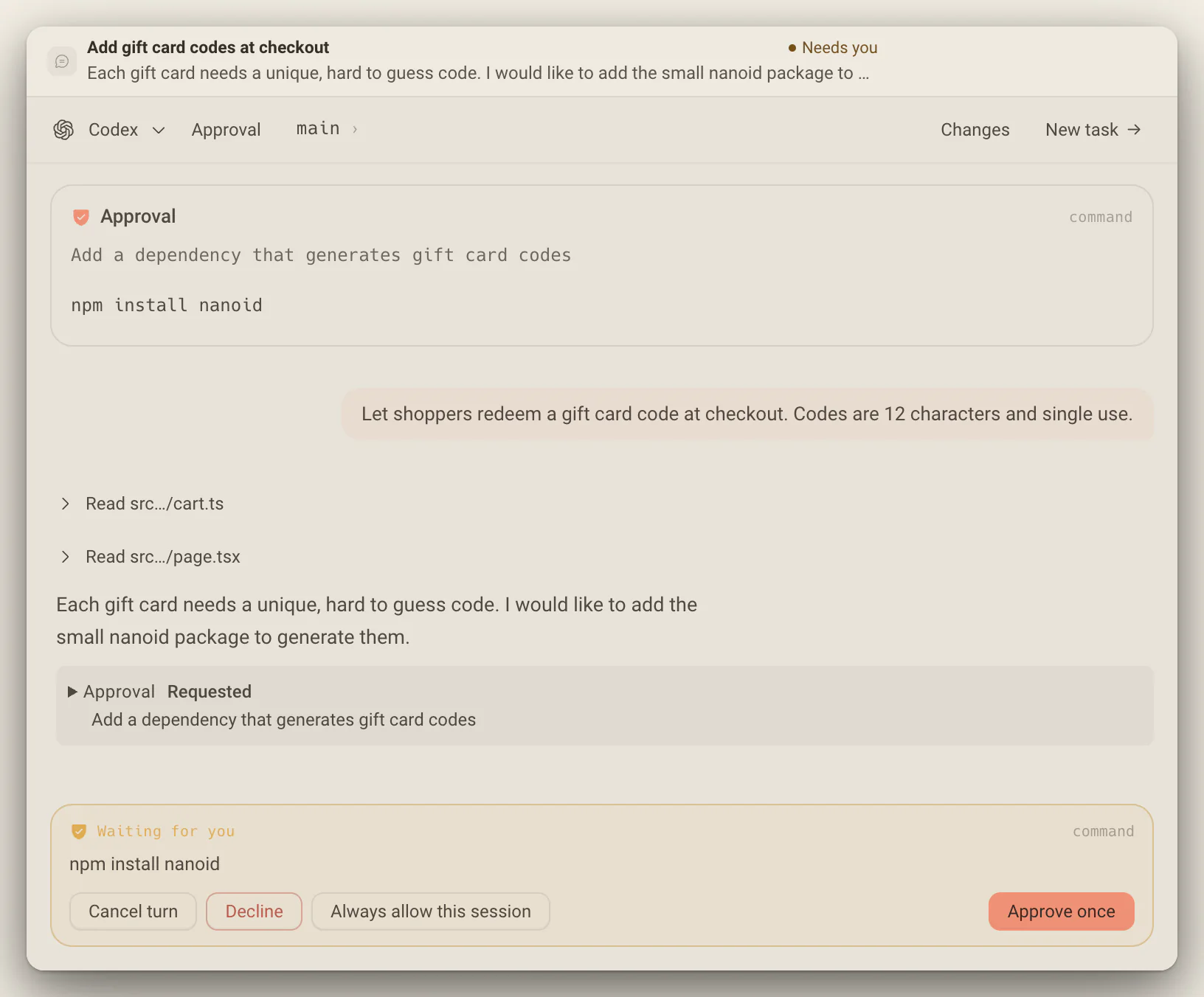
When an agent wants to do something its mode does not allow, the turn stops and shows a card with the request, word for word. Approve once, allow it for the rest of the session, decline it, or cancel the turn.
- Enter approves, S allows for the session, D declines and Esc cancels the turn.
- Pending cards stack oldest first, so the front card is always the next one to answer.
- The Inbox popover beside Dex has a one-tap Approve for requests that are safe to accept.
Set the levelbefore you press Start.
The composer shows the mode a task will run in, beside the model. Set a Default mode per agent so every new task starts where you want it, and change it from the composer while the task runs.
- Plan mode makes the next turn read-only research, whatever the mode.
- Modes a model cannot honor are shown disabled, not ignored.
- Full access works best in a task with its own worktree.
Four modes, one switch per task
In the composer they read Supervised, Auto accept edits, Auto and Full access.
- Approval requiredSupervised
- Asks before the actions the agent exposes for approval. What that covers depends on the agent.
- Auto-accept edits
- Writes inside the project without asking, and asks for anything that reaches outside it.
- AutoClaude Code and Codex
- The same boundary, with risky requests sent to a reviewing model instead of to you.
- Full access
- Runs tools without asking, with the access your user account has. Pair it with a worktree.
You hold the gate.
Nothing an agent asks for goes through until you say so, from your desk or, on Deska Pro, from your phone. And when you would rather it just got on with it, Full access in its own worktree keeps mistakes off your branch.
Destructive takes a deliberate click
A request that looks destructive, like a delete, a force push or a hard reset, loses its keyboard shortcuts and has to be approved with a click.
Every turn can be put back
Each finished turn is saved to a private git ref, never to your branches. A task lists what every turn changed and can restore the files to how they were before it.
Hold to close a working panel
While an agent works in a panel, its close button asks you to hold it until the ring fills, so a stray click cannot stop the work.
Worth knowing
- Modes
- Approval required, Auto-accept edits, Auto, Full access
- New tasks start in
- Full access, unless the agent has a Default mode in Settings > Agents
- Change it mid-task
- The composer, then Settings, then Permissions
- Approve once
- Enter
- Allow for the session
- S
- Decline
- D
- Cancel the turn
- Esc
- Read-only turn
- Plan mode, Shift + Tab
- From your phone
- On Deska Pro
About approvals
One canvas for everything you build.Free to start.
The complete workspace on one computer, with 10 dictation minutes a month.