Every computer you own,one desk.
Link your laptop, the desktop at home and a Deska Cloud box, then switch between them from the crumb. Each one is a place: its projects, panels, terminals and agents come with it.
Switch computers,and the whole desk follows.
The crumb starts with the computer you are on, local by default. Pick another one and its desk takes the screen: its project, its panels, the terminals that kept running there and the task still at work.
- Every panel remembers the computer it belongs to.
- A Deska Cloud box keeps working with your laptop closed.
- Cmd/Ctrl + Alt + Right arrow takes you back to the last computer.
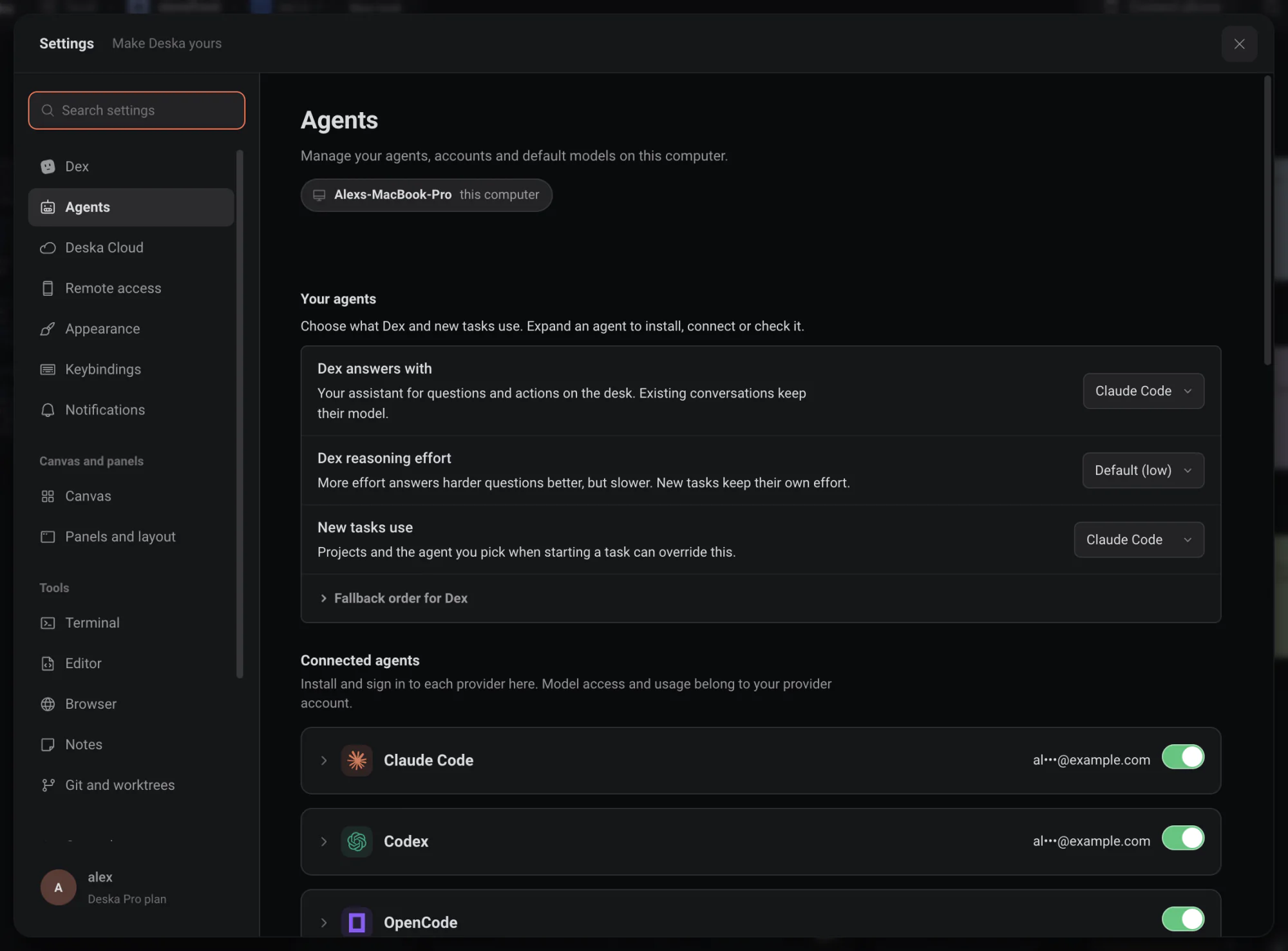
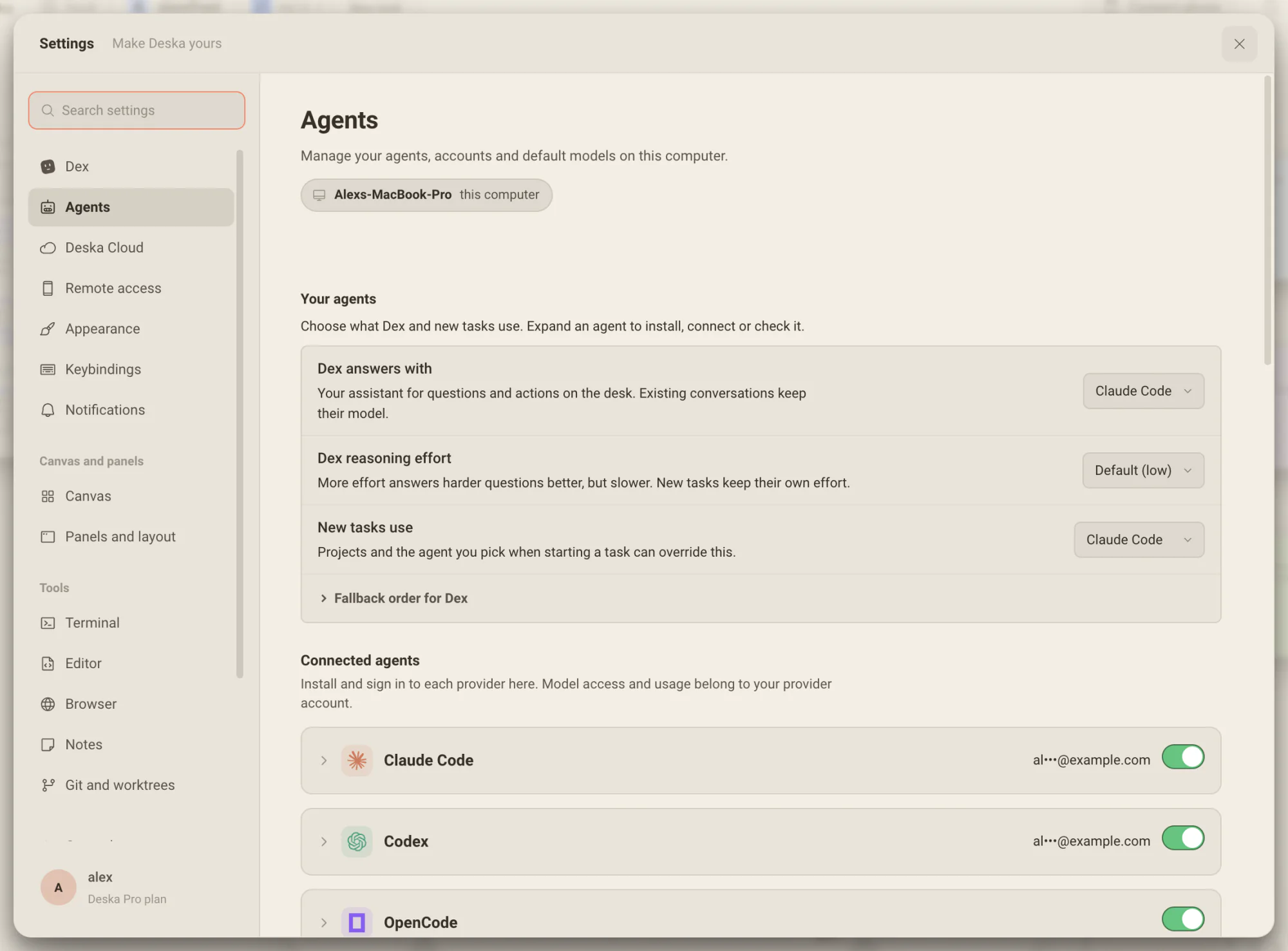
Its own agents,signed in where they run.
Each computer keeps its own agents, accounts and default models. Tools & accounts signs them in on that machine, from your desk or your phone, and the sign-in never leaves it.
- A new task on a project there offers that computer’s agents and models.
- Deska never holds your passwords or tokens.
- A Deska Cloud box arrives with the agents and the GitHub CLI installed.
Start a project on any computer
The machine answers all of them, so you never need its paths.
- Open a folder it already has
- Search by name, or browse its folders level by level.
- Clone with its GitHub login
- The repositories that computer’s own GitHub sign-in can reach.
- Paste a link
- Clones from any git link, even without the GitHub CLI.
- New folder
- An empty project with a fresh git repository, right where you are standing.
Leave one desk. Come back to it as you left it.
What runs on a computer belongs to that computer, so coming back finds it where you left it, and whatever was running kept running.
Nothing stops when you switch
Terminals keep running on the machine they run on. Switching changes which desk you are looking at, not what is executing.
Join it, do not duplicate it
Open a terminal that is already running on a computer and you join it. Five terminals on a box are the same five on every screen.
Saves are guarded
If an agent on that machine changed a file while you had it open, your save is refused and you are told, instead of overwriting work you did not see.
Worth knowing
- Switch computers
- The computer switcher, first in the crumb
- Jump to one
- Cmd/Ctrl + Alt + 1 to 9
- Back to the last one
- Cmd/Ctrl + Alt + Right arrow
- Each computer keeps
- Its projects, canvas, panels, tasks and notes
- Your own computers
- Remote Access on, same account, no pairing
- Someone else
- A single-use code, a role, revocable
- Network
- An encrypted relay, no ports to open
- Plans
- Free links one computer; Deska Pro links every one you own
About computers
One canvas for everything you build.Free to start.
The complete workspace on one computer, with 10 dictation minutes a month.